
The Ultimate Guide to Zalgo Text: How to Create "Glitch" Messages
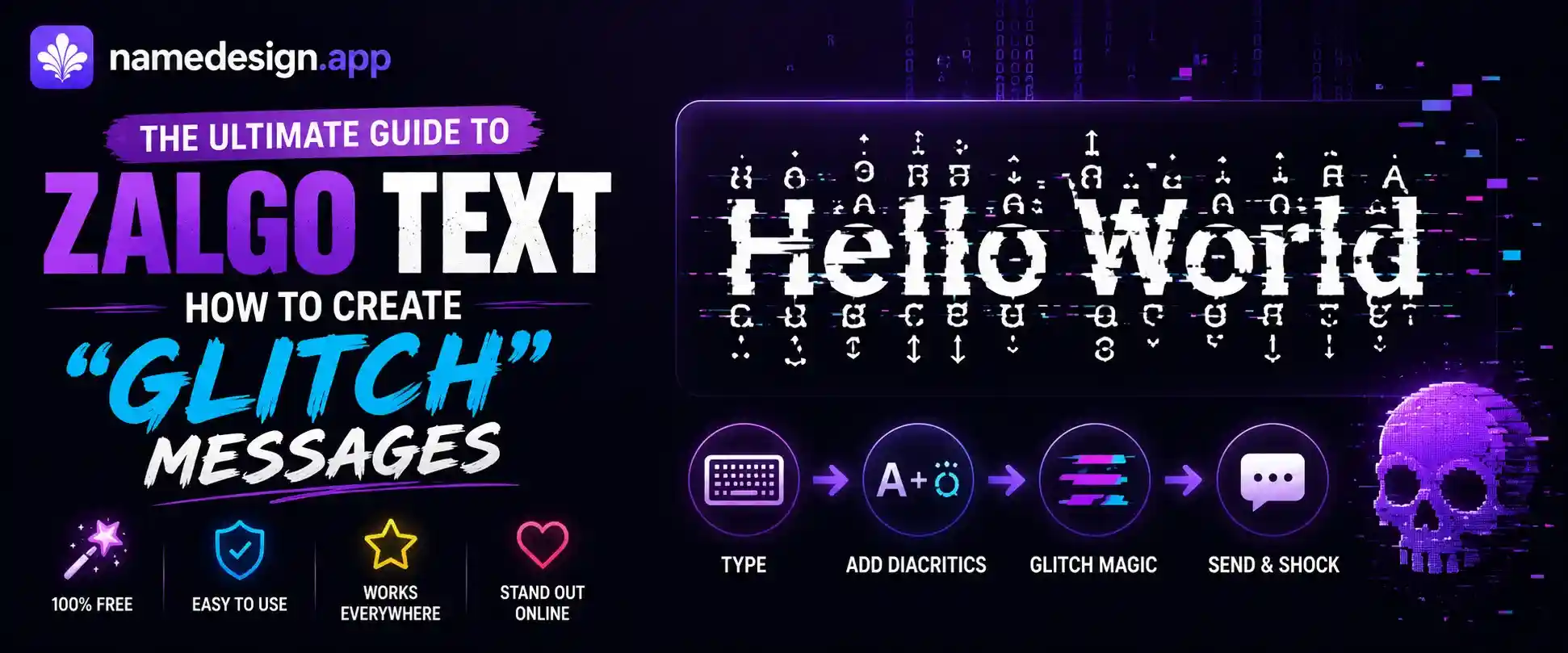
Table of Contents
You are casually scrolling through the comment section of a TikTok video or hanging out in a Discord server when suddenly, your eyes hit a wall of absolute digital chaos. It looks like the text has been possessed by a computer virus. Letters are bleeding upwards into the line above them, dripping downwards into the chat box, and melting together into an unreadable, chaotic mess.
It looks terrifying, but it is completely harmless. You have just encountered Zalgo text, commonly known on the internet as "glitch text" or "cursed text."
Whether you want to pull a prank on your friends, create an incredibly intimidating gaming username, or just add some spooky flair to a Halloween post, Zalgo text is the ultimate tool. But how exactly does it work? Is it a hack? Will it break your phone?
In this guide, we are going to dive deep into the fascinating history and mechanics of glitch text. We will explore how a simple digital quirk turned into an internet phenomenon, and teach you how to generate it perfectly using NameDesign.app without crashing your apps.
What is Zalgo? The Lore Behind the Glitch
To appreciate Zalgo text, you have to understand where it came from. The internet loves a good scary story. In the mid-2000s, an internet user named "Shmorky" started taking popular, wholesome comic strips (like Garfield or Archie) and editing them into horrifying, lovecraftian nightmare panels.
In these edited comics, the characters would mutate, and their speech bubbles would be filled with chaotic, bleeding text. The characters would repeatedly chant the name of an unseen, apocalyptic entity named "Zalgo." The catchphrase associated with the meme was always "He Comes."
The meme went viral across internet forums like Reddit, 4chan, and Creepypasta communities. But the real genius of the meme wasn't the edited images; it was the text itself. Users figured out how to replicate that bleeding, chaotic text in regular chat rooms, allowing anyone to "corrupt" their messages and keep the Zalgo meme alive. Thus, "Zalgo Text" was born.
How Zalgo Text Actually Works (The Unicode Secret)
Zalgo text looks like a complicated hack, but the truth is incredibly simple. It is all based on a feature built directly into the core language of the internet: Unicode.
As we have explored in our Unicode Guide, Unicode is the universal dictionary that computers use to read text. Inside this dictionary, there are special characters called "Combining Diacritical Marks."
In standard languages, combining marks are completely normal and necessary. For example, in French or Spanish, you need to add accents to letters (like changing an 'e' into an 'é'). To do this, Unicode allows you to type a base letter, and then add a "combining mark" on top of it. The computer renders them together as a single unit.
Here is where the glitch happens: Unicode forgot to set a limit.
There is absolutely no rule in standard Unicode that says you can only add *one* combining mark to a letter. The internet realized that you could take a standard base letter, like an "A", and stack 50, 100, or even 200 combining marks on top of it, below it, and directly across it.
When your web browser or chat app tries to render a letter with 150 accents attached to it, the text physically spills out of its designated container. It bleeds into the margins, over other lines of text, and creates the signature "glitch" effect. When you use our Zalgo Text Generator, our script is simply taking your normal letters and automatically rapidly firing hundreds of these combining marks onto them in random directions.
Where to Use Glitch Text (And Be Awesome)
Zalgo text is incredibly fun when used in the right context. Because it is highly disruptive, you want to use it in places where chaotic energy is welcomed.
- Group Chats: Dropping a massive, glitchy block of text into a WhatsApp or iMessage group chat is guaranteed to get a reaction. Because Apple and Android render text slightly differently, the glitch effect often looks wilder on mobile devices.
- Meme Pages & Shitposting: If you run a comedy or meme page on Instagram or TikTok, using slight glitch formatting in your captions can add a great layer of irony and surrealism to your content.
- Gaming Usernames: Adding just a tiny amount of upward and downward glitch text to your Free Fire or Call of Duty mobile name makes you look like a rogue hacker. It is highly intimidating in a pre-game lobby.
Where to Avoid It (Or Risk Getting Banned)
With great power comes great responsibility. Because Zalgo text is designed to break formatting, many platforms actively despise it.
The Accessibility Nightmare: Glitch text is completely unreadable for visually impaired users who rely on screen reading software. If a screen reader encounters a Zalgo word, it will attempt to read aloud every single one of the 150 diacritical marks attached to the letter, which sounds like absolute robotic torture. Never use it in informational or public service posts.
Here are the platforms where you should avoid using cursed text:
- LinkedIn & Professional Bios: This should go without saying. As outlined in our LinkedIn Typography Guide, glitch text is the fastest way to look unprofessional. Keep it off your resume.
- Public Discord Servers: While it is fun in a private server, using heavy Zalgo text in a massive public Discord server is a fast track to a ban. Most large servers use auto-moderation bots (like Dyno or Carl-bot) specifically programmed to instantly mute or kick users who post Zalgo, as it obscures other users' chats.
- TikTok Bios: While a little bit of aesthetic text is fine, heavy glitch text can easily trigger TikTok's automated anti-spam filters, potentially resulting in a shadowban for your account.
How to Create Your Own Glitch Text Safely
Ready to summon the glitch? Generating your own cursed text is incredibly easy, and you have complete control over how crazy you want it to look.
- Head over to the Zalgo Text Generator right here on NameDesign.app.
- Type your normal message into the top input box.
- Use the control sliders (or built-in generation buttons) to select your "Crazy Level." We recommend keeping the level relatively low if you actually want people to be able to read the base word.
- Hit copy, and unleash your new cursed creation into the digital wild!
Remember, Zalgo text is a testament to how creative internet users can be with foundational computer code. Use it wisely, have fun, and don't scare your friends *too* much.