
How to Make Stylish Names for Free Fire and BGMI
Published:
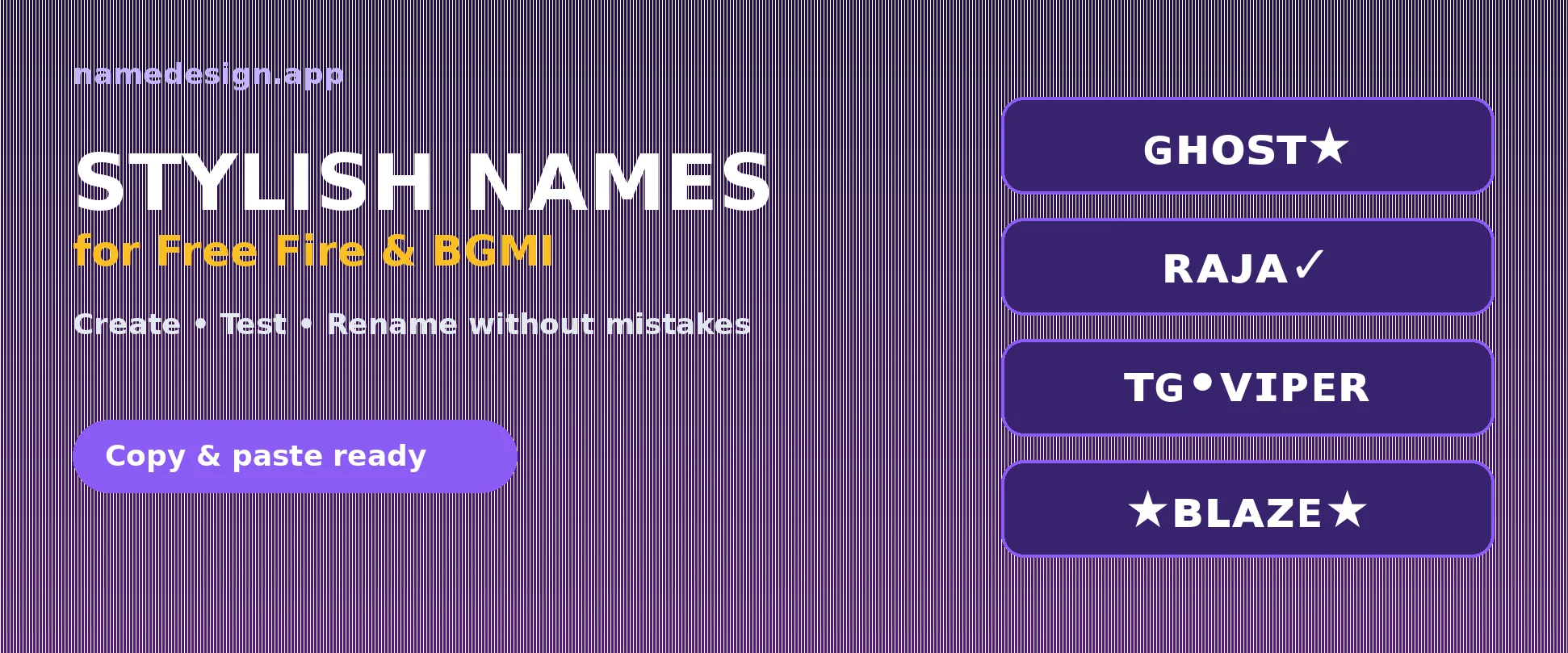
Table of Contents
In a battle royale lobby, your name is the first thing other players see. It floats above your head when you parachute in, it shows up in the kill feed when you knock someone, and it sits at the top of the squad list when your team checks the scoreboard. A plain name like "Rahul2007" disappears into the crowd. A clean, stylish name like "ʀᴀʜᴜʟ★ᴏᴘ" gets noticed and remembered.
Free Fire and BGMI (Battlegrounds Mobile India) players have built a whole culture around decorated nicknames: small caps, bold letters, symbols, clan tags and neat little frames around the name. The good news is that you don't need any special app or hack to do it. Everything you need is copy and paste.
This guide walks you through how stylish names work, how to create one that the game will actually accept, and how to avoid the common mistakes that waste a rename.
Why Your In-Game Name Matters
Your nickname does more work than you might think. In squad games it is how teammates call you out on voice chat, so it needs to be readable. In custom rooms and tournaments it is how organisers and opponents recognise you, so it should look consistent across every match. And if you stream or post clips on YouTube or Instagram, your in-game name becomes part of your personal brand.
A good gaming name usually does three things well:
- It is easy to read at a glance. The kill feed only shows your name for a second or two.
- It has a clear core word. Decorations look great, but the actual name underneath should still be obvious.
- It matches your style. Aggressive rushers often go for bold, sharp styles; calm snipers and IGLs often prefer minimal, clean names.
If you are still deciding what the core word should be, our guide on choosing a memorable username covers the basics of picking a short, brandable name before you start decorating it.
How Stylish Names Actually Work
When you see a name like "𝐒𝐇𝐀𝐃𝐎𝐖" or "ᴋɪɴɢ" in a game, the player hasn't installed a new font. Games like Free Fire and BGMI use one built-in font for all names. What changes is the characters themselves.
Unicode, the standard that phones and computers use for text, contains thousands of characters beyond the normal A–Z. Some of them are mathematical bold letters, some are small capital letters used in phonetics, and others are letters from Greek, Cyrillic and other alphabets that happen to look like English letters. A text generator simply swaps each normal letter for a lookalike character. You can read more about this in our guide to Unicode characters.
This has one important consequence: the game can only show characters that its font supports. If a character isn't supported, it appears as an empty box (□), a question mark, or the game simply rejects the name. Support also varies between game updates and devices, so a style that worked for a friend last year may not work for you today. That is why testing before you confirm a rename is so important.
Step by Step: Create and Apply Your Name
Here is the simplest way to create a stylish name and get it into your game safely.
- Type your base name. Open our Free Fire name generator or the PUBG / BGMI name generator and type the core word you want, for example "Ghost".
- Browse the styles. Scroll through the results. You will see bold, small caps, script, bubble letters, symbol frames and more. Pick two or three that you like.
- Copy the style. Tap the copy button on the card. The styled text is now on your clipboard.
- Open the rename screen in the game. Go to your profile and choose the option to change your name. Most games require a rename card or in-game currency for this, so don't confirm yet.
- Paste and check the preview. Paste the name into the box and look carefully. Are all the characters visible? Does anything show as a box or question mark? Does the game show an error?
- Confirm only when it looks right. If something is broken, go back, choose a different style and test again. Only confirm once the preview looks exactly how you want it.
A quick tip: if your game has a text field that doesn't cost anything to use, such as a chat box or a guild or clan description, you can paste your styled name there first to see how the game's font displays it.
Name Formulas That Look Great In-Game
You don't need to copy someone else's name. These simple formulas help you build something original around your own core word.
- Small caps + one symbol: Clean and very readable. (e.g., ɢʜᴏsᴛ★, ʀᴀᴊᴀ✓)
- Bold core word: Strong and aggressive, great for rushers. (e.g., 𝐆𝐇𝐎𝐒𝐓, 𝐁𝐋𝐀𝐙𝐄)
- Clan tag + name: Shows your squad identity. (e.g., ᴛɢ•ɢʜᴏsᴛ, ⚡ʀx•ᴠɪᴘᴇʀ)
- Symbol frame: Wrap a short name in matching symbols. (e.g., ★ɢʜᴏsᴛ★, 〆ᴠɪᴘᴇʀ〆)
- Role suffix: Tell people what you do. (e.g., ɢʜᴏsᴛ•sɴɪᴘᴇʀ, ᴋɪɴɢ•ɪɢʟ)
Whichever formula you choose, keep the core word readable. If teammates can't say your name out loud during a fight, the style is working against you.
Working Within the Character Limit
Both Free Fire and BGMI limit how long a nickname can be, and the exact limit can change with game updates. The rename screen usually shows you when you've gone over. Decorations eat into that limit quickly, so plan your name with this in mind.
There is also a hidden catch: some stylish characters and symbols take up more space than a normal letter. Many games count text in a way where certain fancy characters or emoji count as two characters instead of one. That means a name that looks short on screen can still be rejected as "too long".
To stay safe:
- Keep your core word short, ideally four to eight letters.
- Use one or two symbols rather than long decorative borders.
- If the game says the name is too long, remove symbols first before shortening the actual name.
- Try the bold or small caps styles first. They tend to be the most compact and the most widely supported.
What to Avoid (So You Don't Waste a Rename)
Renames usually cost something, so it's worth avoiding the mistakes that most often lead to a broken or rejected name.
1. Heavy glitch or Zalgo text
Stacked "glitch" marks look amazing in chat apps, but many games strip them out, reject them, or display them as messy boxes. If you love the glitch look, our guide to Zalgo text explains where it works best, and in-game names usually aren't the place.
2. Invisible or blank names
Invisible characters are a popular trick, but games often block them, and the rules can change with any update. Our invisible username guide explains how they work. Treat them as an experiment rather than a permanent name.
3. Offensive words hidden with fancy letters
Replacing letters with lookalike characters doesn't hide a word from players or from reports. Names that break the game's rules can lead to a forced rename or account penalties. Keep it clean.
4. Copying a famous player's exact name
Using a well-known streamer's or pro player's exact name can get your account reported for impersonation, and it never builds your own identity. Take inspiration, then make it yours.
Common Problems and Quick Fixes
- Some letters show as boxes or question marks. The game font doesn't support those characters. Choose a different style; small caps and bold are usually safe choices.
- The game says the name is invalid. Remove symbols one at a time to find the character the game doesn't accept, or try a simpler style.
- The game says the name is too long. Remove decorative symbols first, then shorten the core word if needed.
- The name looks different on my friend's phone. Rarely, support differs between devices. Test with a squadmate before you commit to a final name.
- The name is already taken. Add a short clan tag or role suffix, or swap one symbol for another.
A stylish name is one of the easiest ways to stand out in Free Fire and BGMI, and it costs nothing to experiment. Start with a short core word, try a few styles in our Free Fire and BGMI generators, test the preview carefully, and only confirm when everything looks right. See you in the lobby.